Event details
Create an open house, workshop, client gathering, or other event with a description, start and end times, time zone, location, and cover image.

Bring your community together.
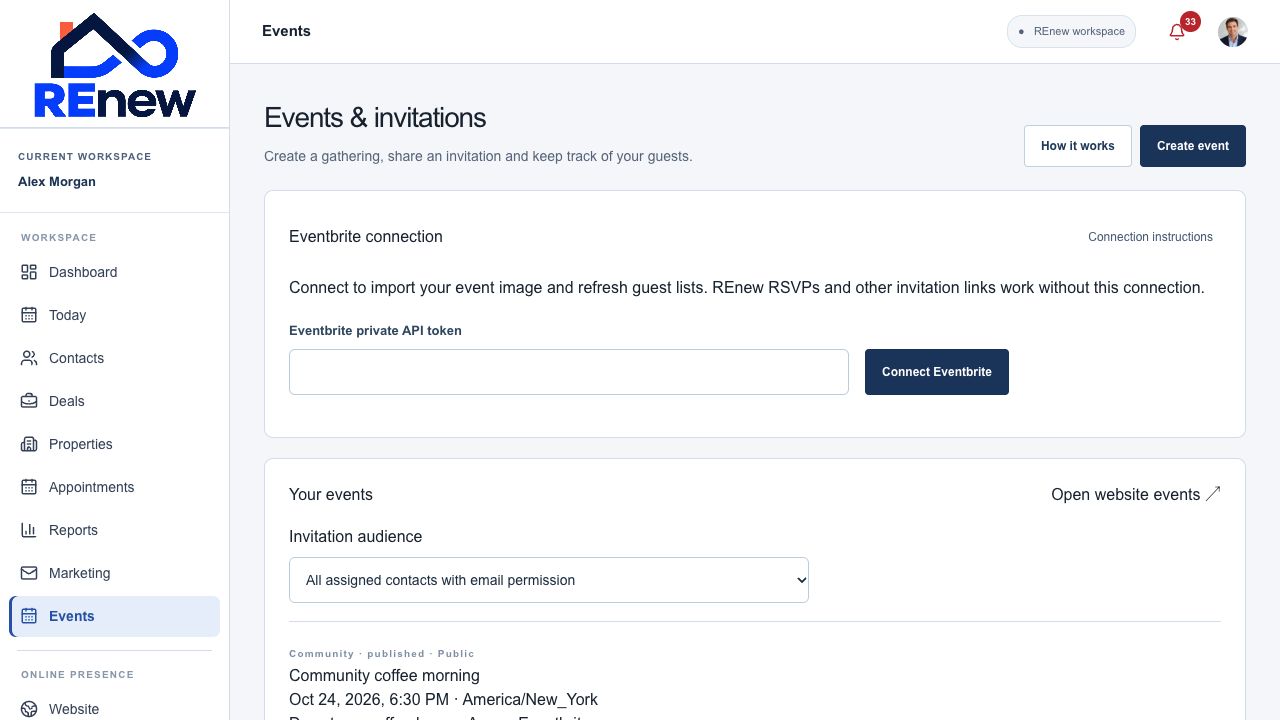
Create gatherings, share event pages, prepare invitations, and keep track of guests from one workspace.
Create an open house, workshop, client gathering, or other event with a description, start and end times, time zone, location, and cover image.
Publish public events on your website or use an invitation-only share link for private events.
Choose REnew RSVP, an external registration link, or Eventbrite. Set a guest capacity for REnew registration.
Review confirmed parties, seat counts, waiting guests, declined responses, and attendance.
Update attendance status and link a guest to a contact without changing marketing permission.
Prepare a reviewed promotional invitation or turn a published public event into a blog draft.
Review event updates or cancellation notices separately. Event email availability depends on the verified sender and the guest’s email choice.
Connect the configured Eventbrite account to import supported event imagery and refresh read-only guest snapshots.
Create an open-house draft from a listing website, then review and publish it in Events. Upcoming public open houses appear on the linked published website.
Create the event and choose registration.
Publish and review invitations.
Track RSVPs and record who attended.