Business identity
Review and edit your business name, email address, phone, address, and profile introduction when authorized.

One clear identity for your business.
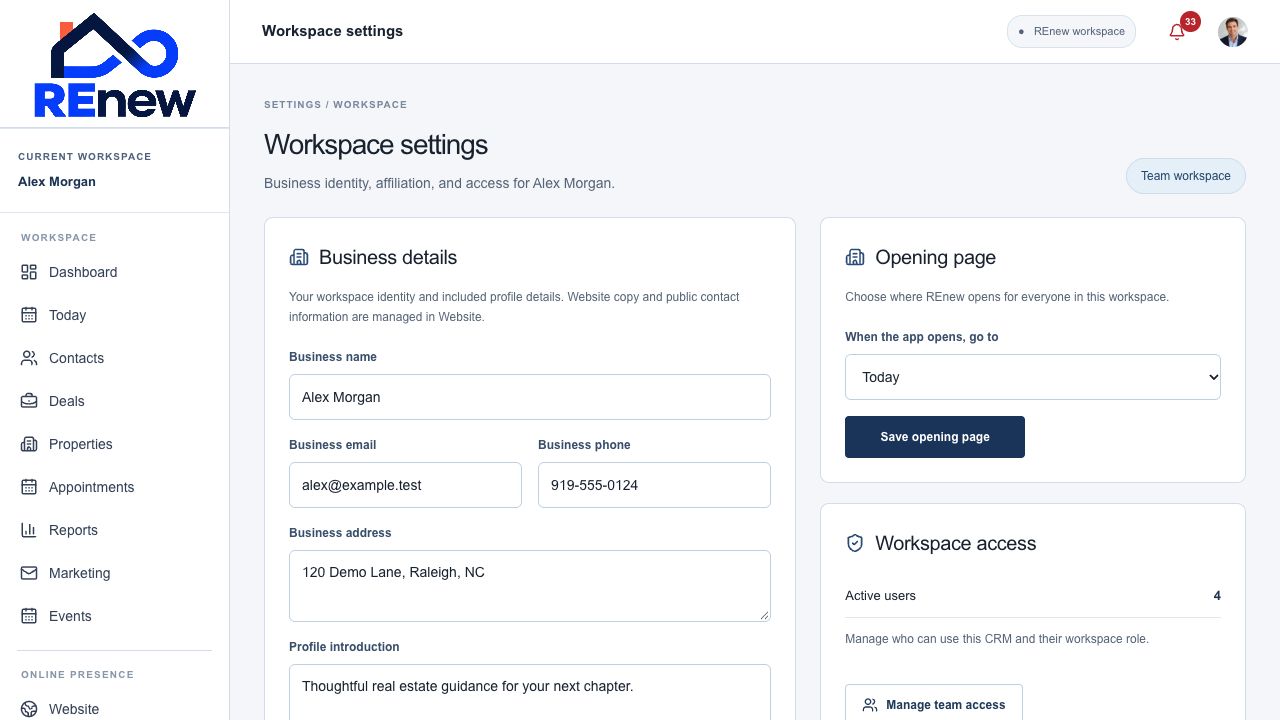
Keep business details, organization context, affiliation, and website access visible in one place.
Review and edit your business name, email address, phone, address, and profile introduction when authorized.
See whether the active workspace is an agent, team, or brokerage organization.
Review your organization’s position in a brokerage and team hierarchy or its independent status.
See membership and organization context provided by your workspace setup.
Review full website or included-profile access and recorded plan status.
Open the website workflow for website copy and public-contact settings.
Select the correct workspace.
Review business identity and affiliation.
Save permitted changes or open the website editor.