Microsoft and Google connections
Choose a supported provider and authorize email, calendar, or both where the shared application has been configured.
Your email and calendar, connected to your work.
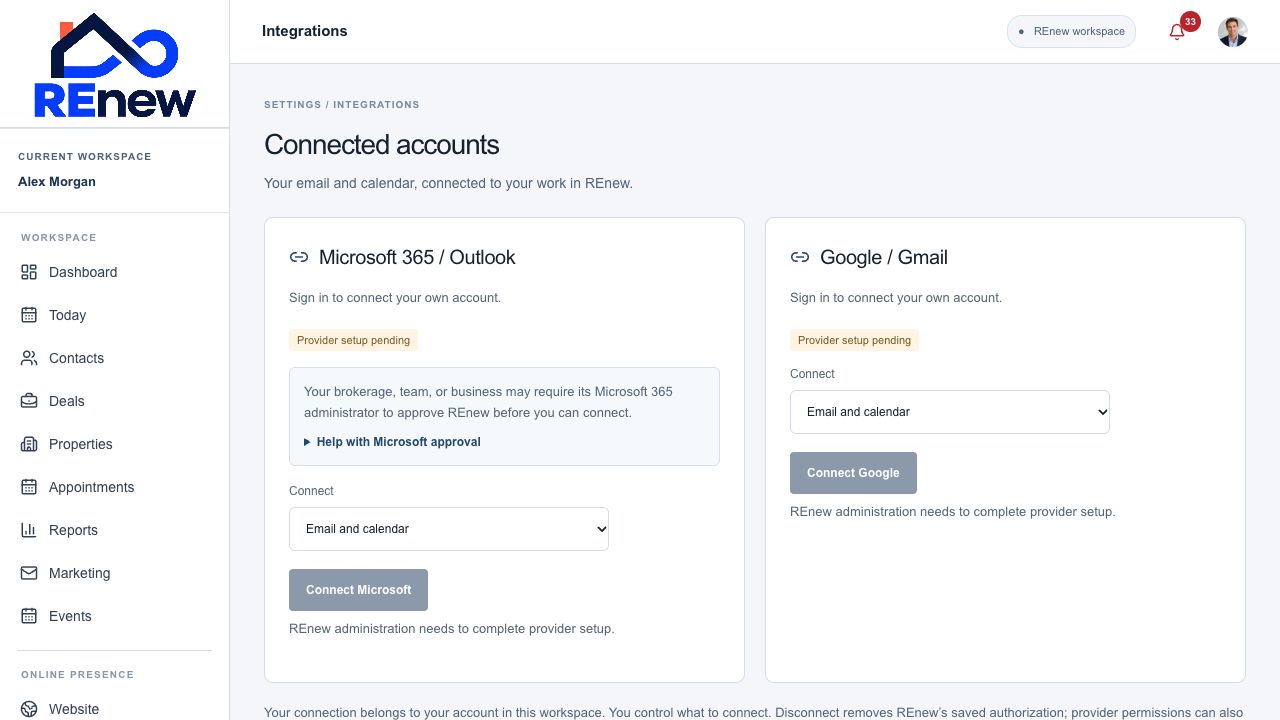
Authorize supported Google or Microsoft account access and keep provider connection status visible.
Choose a supported provider and authorize email, calendar, or both where the shared application has been configured.
See the connected account, authorized capabilities, and whether reconnection is needed.
Connected mailbox information is private to the account owner in the workspace and unavailable in support view.
Read supported matching conversations and prepare a reply within the contact’s context. Review before sending.
Read upcoming events from the authorized primary calendar and view the next 14 days in Today.
Create a contact-linked call, meeting, or showing on your own connected calendar without automatically sending invitations.
Resolve expired or interrupted authorization, or remove the connection when it is no longer needed.
When a Microsoft organization requires administrator consent, use the displayed approval guidance and connection reference.
Check provider readiness.
Authorize the capabilities you need.
Use connected email or calendar in the client workspace.